TikTok Login Guide
Reminder: When logging in to TikTok, please use a network environment that matches your account's registered region. For example, U.S. accounts are recommended to log in using a U.S. IP address. Please note that TikTok currently does not provide services in Hong Kong, China. Using a Hong Kong IP address may result in access issues, login failures, or other connectivity problems.
Login process
1.It is recommended to use a clean and pure static residential ip
2. Go to the official Tiktok homepage: https://www.tiktok.com/ and log in with your username
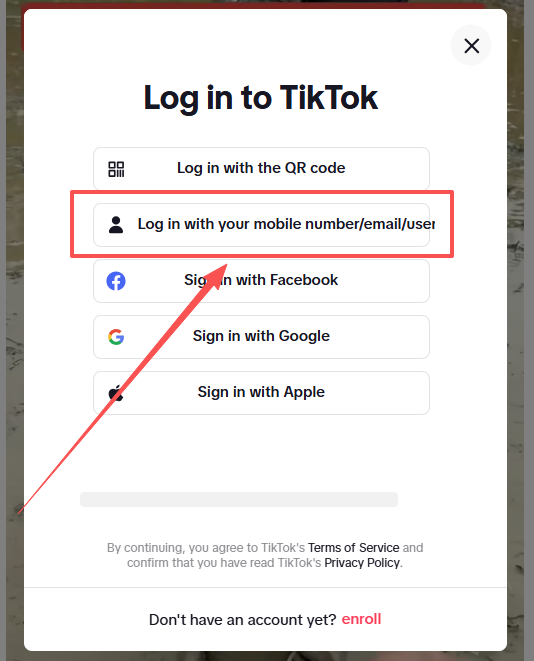
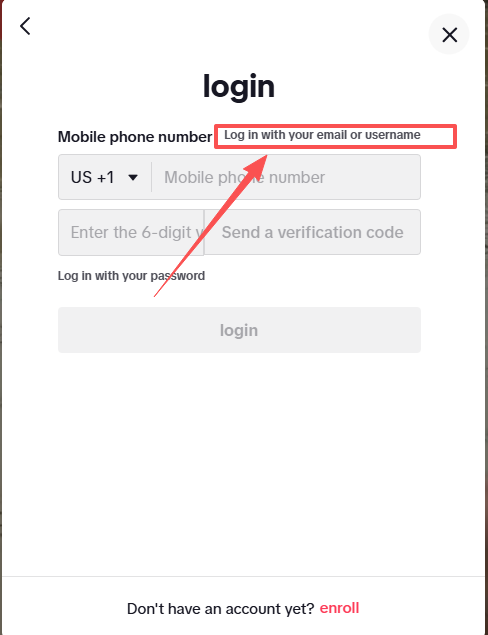
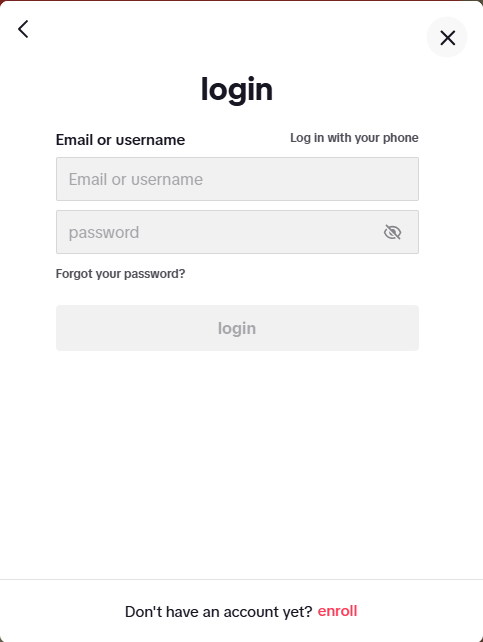
3.Enter your account and password as prompted
Note:
The prompt "Frequent access" is caused by an unclean IP. Please access with a clean IP.
If you want to use Microsoft Email, you usually need to activate it via text message. Please prepare it yourself.
Was this article helpful?