ADS Browser cookie Tutorial
facebook5 viewsUpdated at 10/9/2026
Example:
Account: 61581056xxxxx
Password: 4OYdhxxxxx
2FA Code: PSVRPZUB6xxxxx
Email: exxxxxx@jetmailhub.com
Email Password: xxxx
Cookie:
[{"domain":xxxxxxxxxxid":1}]
The cookie is the long string of code in the card key content enclosed within [{ }] including the brackets.
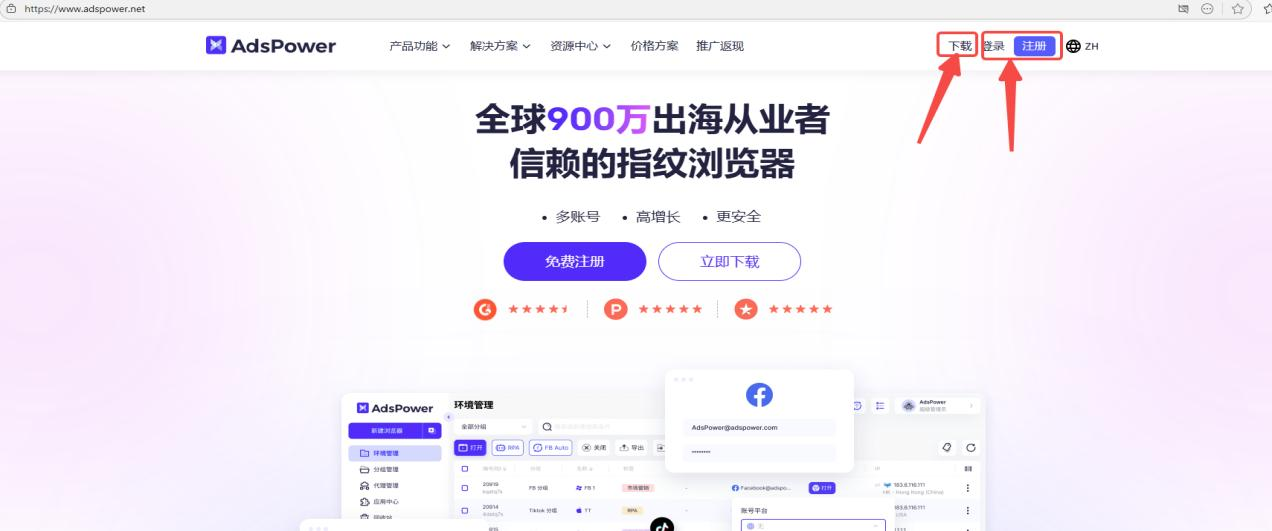
1.Open the AdsPower official website:
https://www.adspower.net/share/kefubu
2.Download AdsPower or click Register / Login in the upper-right corner.
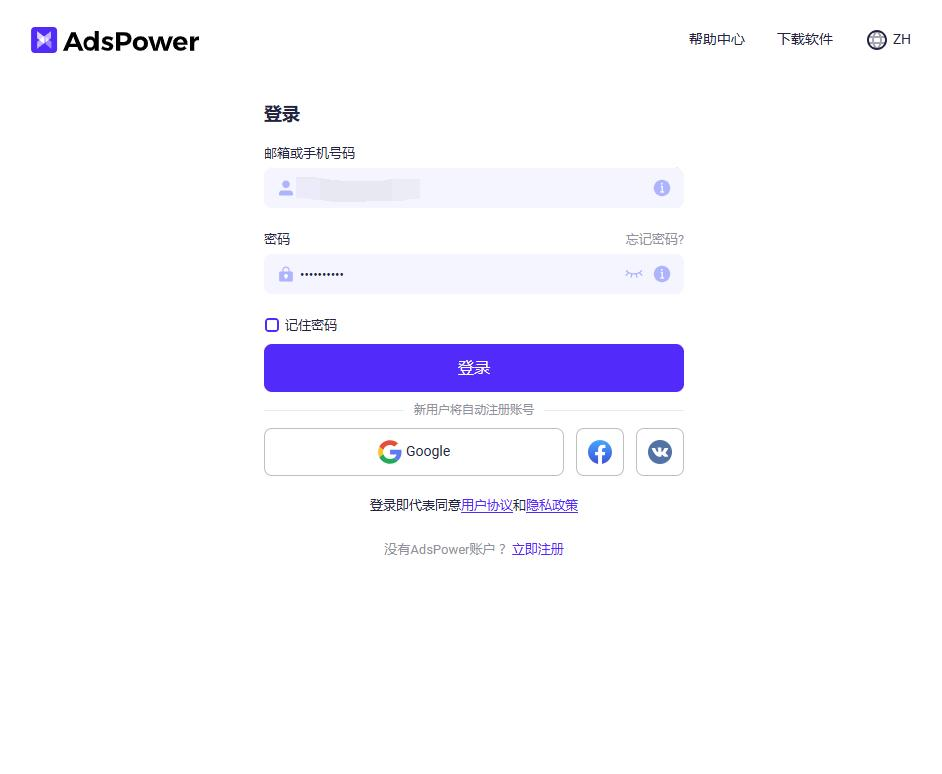
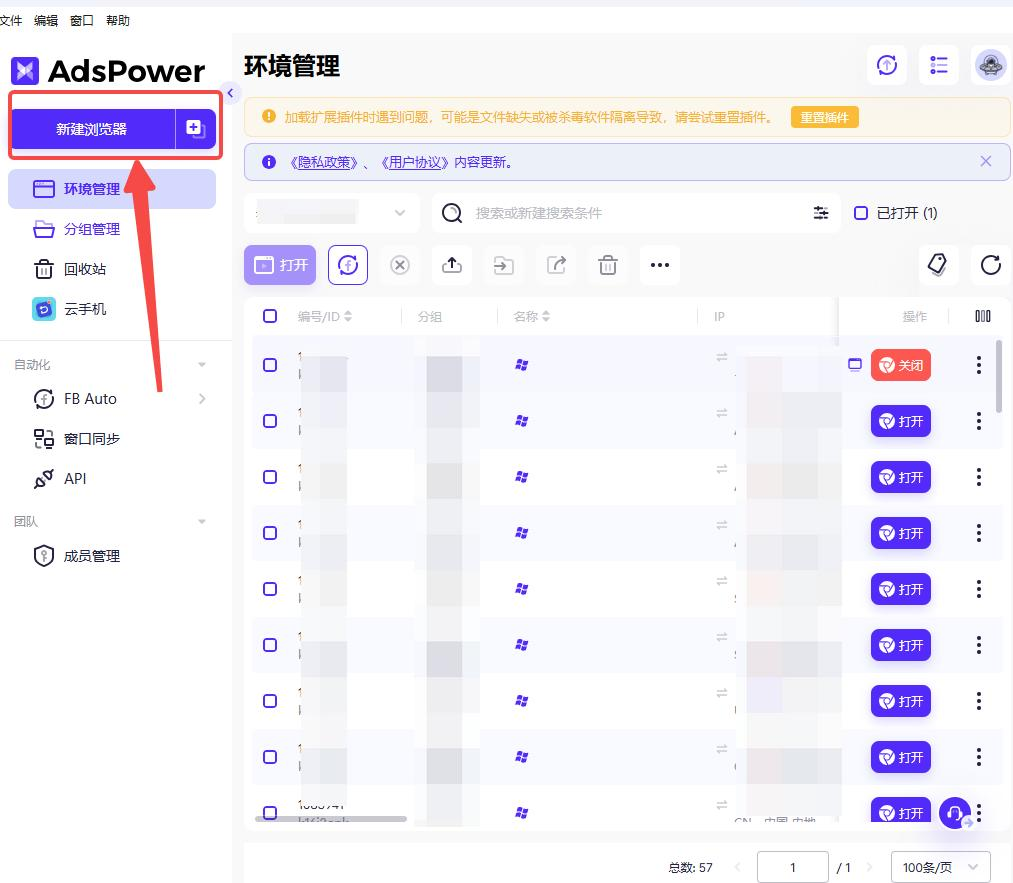
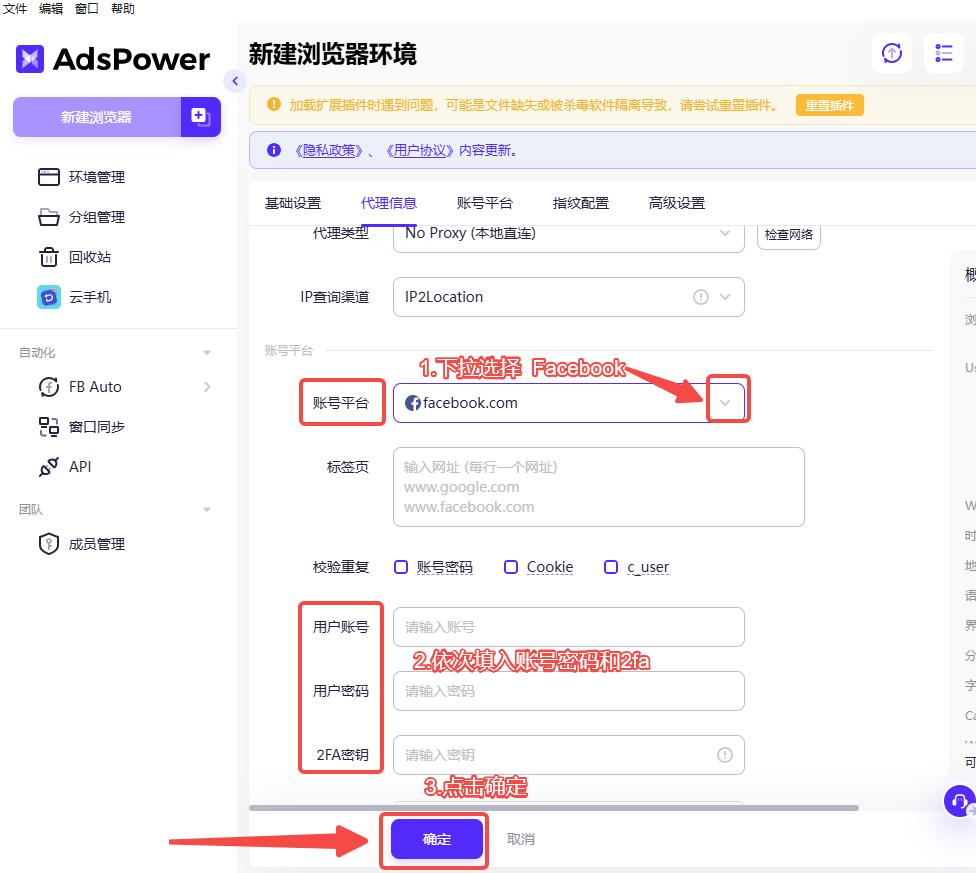
3.After logging in, click Create New Profile.
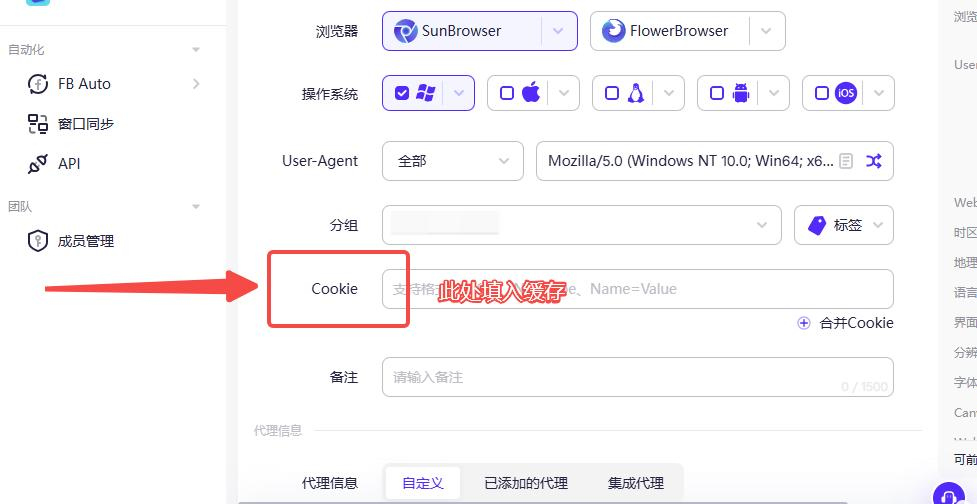
4.Fill in the Cookie, Account, Password, and 2FA Key in order.
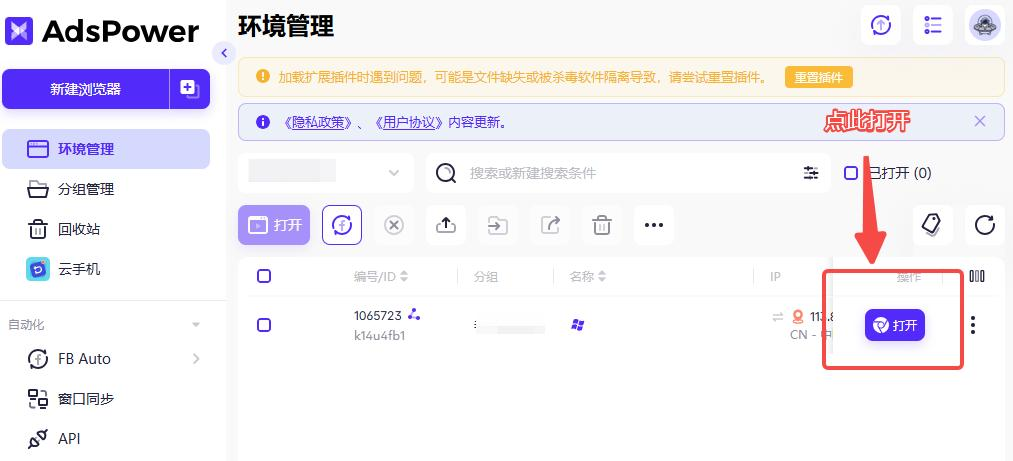
5.Return to the main page and open the created profile.
Was this article helpful?